About a 5-minute read
An interior design project reveal can give you photos and video for your portfolio, social posts, and email. I recommend planning the story before the shoot. Start with what the client needed and the choices that shaped the room.
The finished space gives people the result. Your explanation helps them understand the work behind it. Plan both in the same brief so the shoot covers the views and details you want to discuss.
Client design work shown in this article: Crowder & Co Design. The photos show their Stephens Home project.
In this post
- Choose the story your interior design project reveal will tell
- Pair room views with the details you want to explain
- Add video that explains how the space works
- Choose coverage that serves the whole project story
- Give the project a home on your website
- Plan the reveal and the follow-up
- Questions about interior design project content
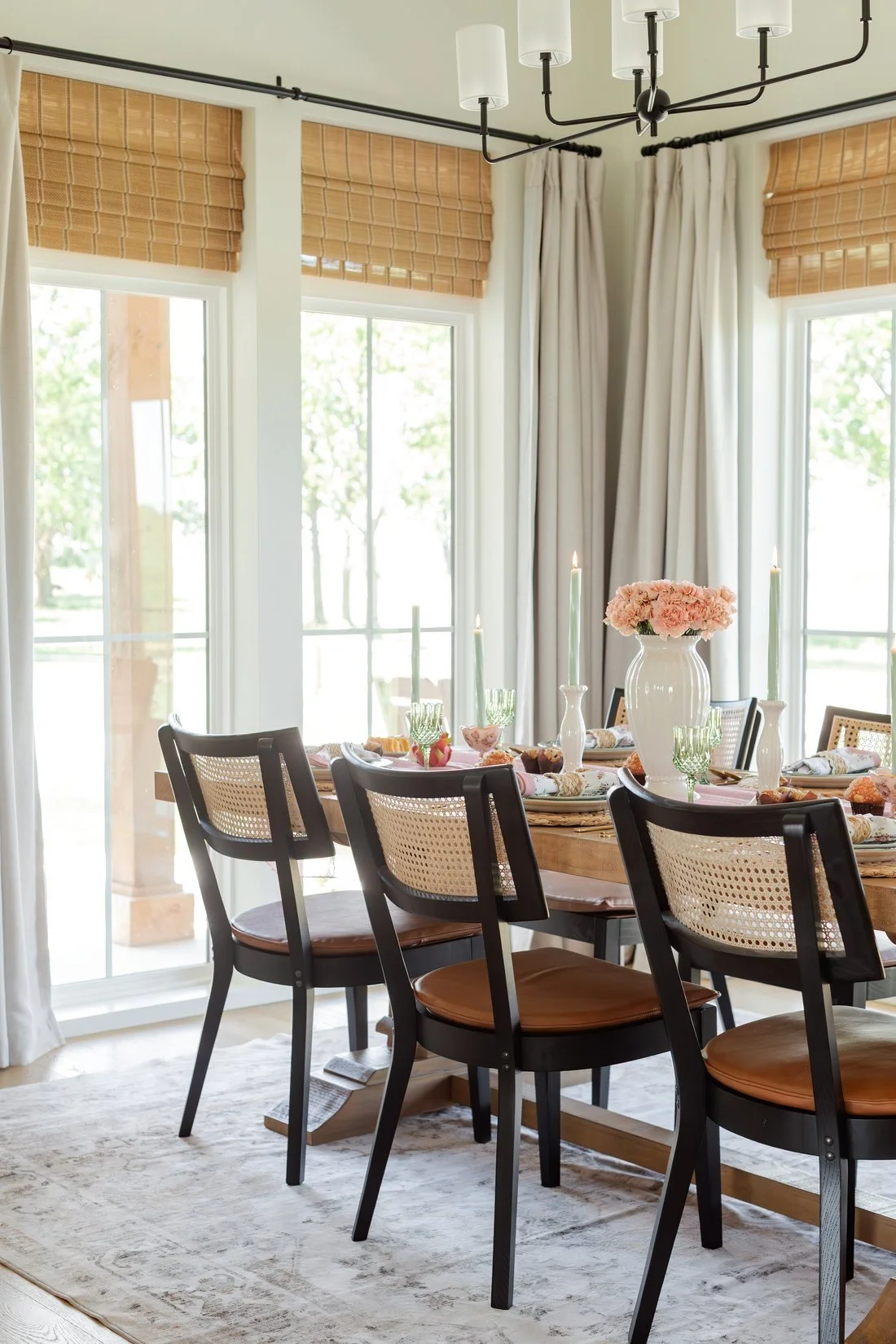
Choose the story your interior design project reveal will tell
Look back at the project brief. What did the client want the room to do? Which choices helped meet that need?
Choose one clear thread for the main project story. A layout change, a storage need, or a material choice can give the story direction when it belongs to the real project.
Write down the original need, your choice, and what the finished room shows. Keep client comments separate from your own observations. Use a quote only when you have their exact words and permission to share them.
Pair room views with the details you want to explain
A room view shows how the parts fit together. A detail photo can give someone a closer look at the piece you are discussing. Ask for both when the project story needs them.
Houzz's project photography guidance describes how homeowners use project photos to explore a portfolio and assess a professional's work. Choose views that help someone understand the kind of design work you want to book.
For each key choice, tell your photographer what matters. If the story centers on built-in storage, name the storage features to show. If you want to explain the mix of materials, identify the surfaces and details that carry that point.
The brief should explain what the photo needs to communicate.
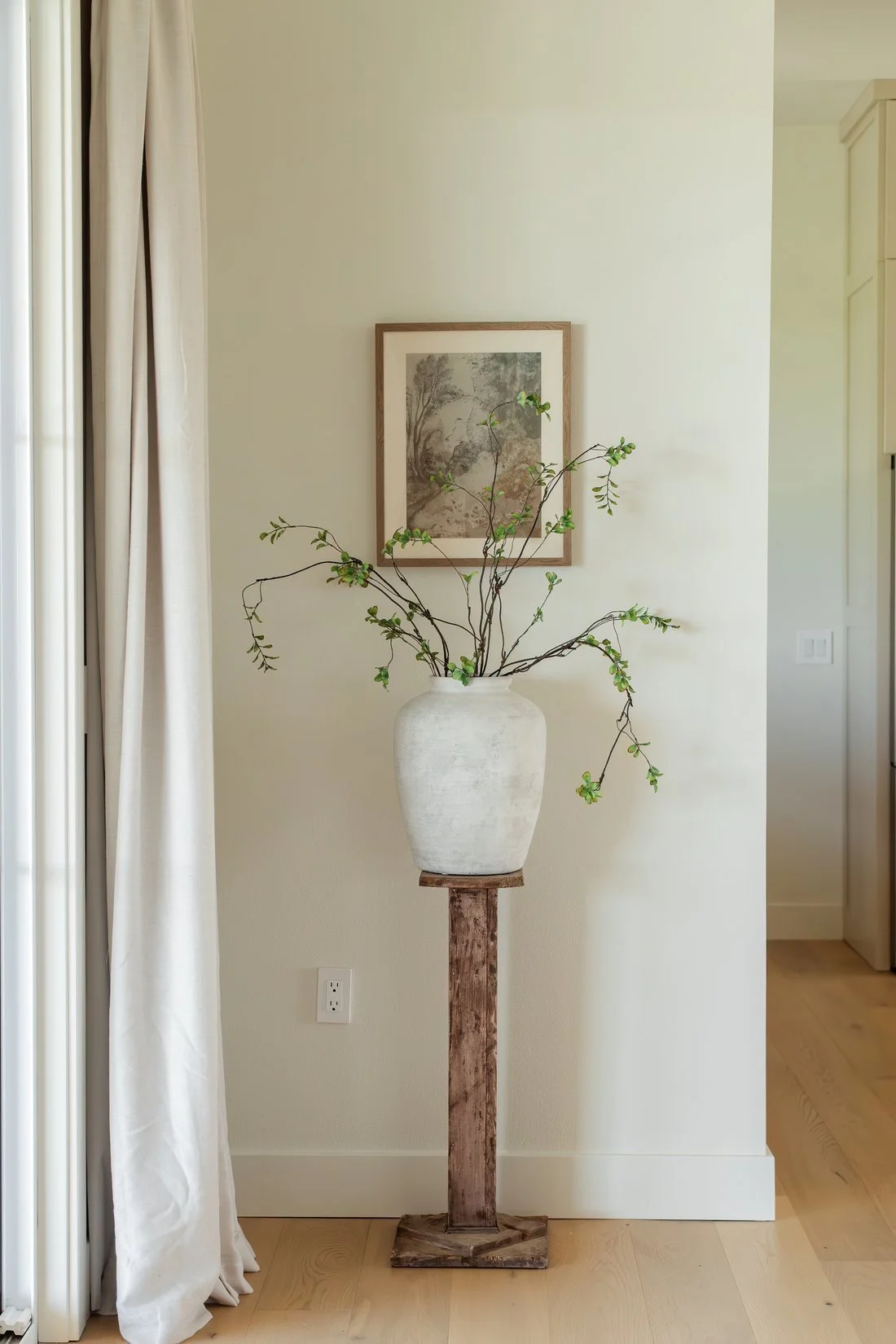
Add video that explains how the space works
Decide whether you want a room film, your explanation on camera, or both. Each needs time in the shoot plan.
A room film can show the path through a space and the link between areas. Your voice can explain why a choice fits the brief. Keep each short explanation tied to something the viewer can see.
Plan the main question for each clip before the day. You might explain why the layout changed or how a built-in feature works. Use the choices from this project and leave room for the details that make it yours.
Choose coverage that serves the whole project story
Your project page and social content give people different ways to explore your work. Look for a set of photos and video that makes the finished room clear and gives your design choices context.
When you consider a provider, discuss the story you want the work to tell. A room film, an explanation in your voice, and a closer view of a detail each add a different kind of information. The right mix depends on this project and the people you want to reach. See how brand photography pricing reflects the scope you are buying.
If you already have a photo library, review it before booking new coverage. How often to update brand photos gives you a way to assess what still fits your current work.
Give the project a home on your website
Build a project page that connects the images with the original brief and your decisions. Explain the scope you handled. Name the other contributors where credits apply.
Houzz lets professionals add project photos with descriptions and project details, as its project upload guide explains. Keep the project information consistent across your website and the profiles where you share it.
For a design studio serving Bolivar, Springfield, or the wider 417 area, include the real project location at the level the client approves. Use that detail to describe the work accurately.
Plan the reveal and the follow-up
Choose a main reveal that gives people a complete view of the project. Then plan follow-up pieces around distinct questions: the layout, a material, a detail, or your role in the work.
You can share the project page in an email and link relevant social content back to it. A later post can explain one choice in more depth when you have something useful to add.
If you want ongoing help, compare who handles capture, editing, copy, and publishing in a monthly content package. Put the project work and the ongoing work in the scope so both have room in the plan.
Questions about interior design project content
What should I send before a project shoot?
Send the project brief, room list, key design choices, and intended uses. Include the people taking part and the final files you want your provider to quote.
Should I include before photos?
Use them when you have suitable originals and permission to share them. They can help explain the starting space when that context serves the project story.
Do I need to appear in the video?
You can choose a room film, an on-camera explanation, or a voiceover. Pick the format that gives your project story the context it needs.
How many posts should I make from a project?
Let the project set the count. Give each post a distinct point, and stop when the useful story is complete.
Can one shoot cover my portfolio and social content?
Yes, when you plan both uses before the session and allow time for the needed views and formats. Ask your provider to confirm the capture and editing scope in the quote.
Open the brief for your next finished project. Choose the main story, then list the views and explanations that will help someone understand it.