Lifestyle product photography: keep the product clear
Lifestyle product photography shows an item in a setting where someone might use it. Before you choose that photo for a product page or post, check that buyers can still tell which item is for sale and what comes with it.
I look at the objects around the product as part of the message. A cup, a bag, or a hand can add context. Each can also change what a buyer thinks the offer includes.
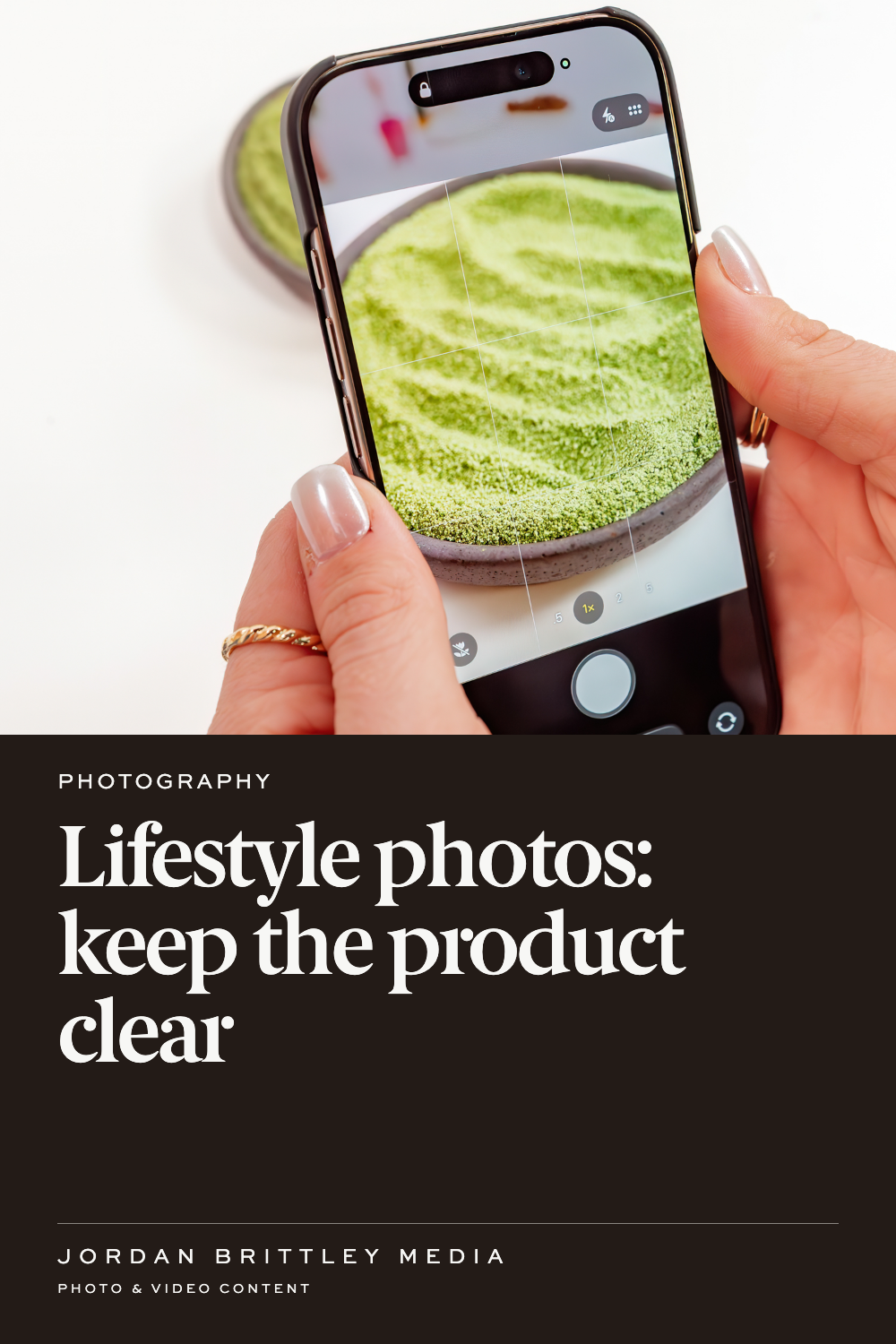
Make the item for sale clear
Start with the product name and the photo side by side. Can someone match them without reading a long caption? If the main item is small, hidden, or surrounded by similar objects, the photo may need a different place in the image set.
For example, imagine a candle pictured on a tray beside matches and a vase. That is a made-up example, but the question is real: are you selling the candle, the tray, or the whole set?
Choose a view that makes the answer clear. Put the included items in the product details. If a prop could cause confusion, make its role clear near the photo. Do not rely on a note far down the page to fix a misleading first view.
Use a clear product view beside the scene
A lifestyle image can show where a product belongs. A clear view of the item can show its shape and the details of the order. Give both a place when buyers need both answers.
This also helps when you use the set across different channels. Google Merchant Center distinguishes main product images from extra and lifestyle views. Its rules apply to that channel, so check the current requirements before choosing which file goes in each slot.
On your own page, review the sequence. A shopper should be able to move from the item itself to its use without having to guess whether they are looking at the same product.
Check the exact version
Compare the photo with the item buyers can order today. Check the color, size, label, lid, finish, and pieces included. A strong photo of an old version still shows the old version.
If several options appear together, name them clearly. Avoid using one option as the only photo for another when the difference matters. A close shade, similar label, or nearly matching size can be hard to spot on a phone.
Keep a note with the selected files that names the product and version. That gives the person building the page a way to check the match without relying on memory.
Treat scale as a clue
A hand or familiar object can help a buyer picture size. It is still a visual clue, not an exact measurement. The angle and distance can change how large the item looks.
Keep the dimensions in the product details. Use the photo to support that information. If the picture and measurements seem to tell different stories, review the image choice before publishing.
This matters with small accessories, containers, and anything a buyer must fit into a space. A view in use may answer “Where does it go?” while the written size answers “Will it fit mine?”
Keep the claim within what the photo shows
A person holding a bottle shows how it can be held. It does not prove the bottle never leaks. A tidy work surface shows a setting. It does not prove the product saves time.
Review the headline and caption with the image. The FTC's advertising guidance calls for claims to be truthful and supported. Avoid adding a result that the image cannot establish and the business has not verified.
Review the photo where buyers will see it
Check the actual product page or post preview. Look at it on a phone. A crop may remove the main item or leave a prop looking like the thing for sale.
Before you approve the placement, answer four questions:
- Is the item for sale clear?
- Does this show the current version?
- Can buyers tell what comes with the order?
- Do the nearby words match the image?
If you are briefing a new product photography project, send those questions with the product list. They give the photo team a clear point to work toward. You can include the planned page or channel in your brief.
Questions about lifestyle product photos
Does every product need a lifestyle image?
Use one when the setting or action adds useful information. Some details may be clearer in a direct view of the item.
Can props appear in the photo?
Yes, when they support the scene and do not confuse the offer. Make clear which items buyers receive.
Can a hand show the size?
It can offer a size cue. Keep exact dimensions in the written product details too.
Should I use the same photo for every color?
Check whether it accurately shows the option selected. Buyers need a clear view of differences that affect their choice.
What should I check before reusing an older photo?
Compare it with the current product, packaging, offer, and usage terms. Choose a current image when those details have changed.
