Holiday Brand Photos: What Your Business Needs Before December
About a 6-minute read
Holiday brand photos should show what your business is offering and give each image a place to work. Before booking a shoot, list the products, campaigns, and customer questions your November and December content needs to cover.
I would begin with the first day you need an image ready to use. Then I would separate the seasonal photos from the ones you can keep using in January. That gives the shoot a clear brief and gives your team a useful set of files after delivery.
In this post

Build your holiday brand photo list around real offers
Write down the offers you have confirmed. That might include a gift set, a seasonal service, a pickup event, or a client thank-you. Give each one a row with the product or service name, first-use date, and planned placement.
Decide what a customer needs to see to understand each offer. For a gift box, that may be the closed package, the items inside, and a view that shows its size. For a service, it may be the person providing it and what a customer actually receives.
Keep examples tied to your own work. A holiday photo of a wrapped box can support a gift offer when that is how the gift arrives. If wrapping is optional, make the option clear wherever you use the photo.
For broader planning, the lifestyle product photography guide explains how a product shown in use can help answer a buyer's question. Your holiday list adds the specific offers and seasonal placements.
Separate gift-guide photos from campaign scenes
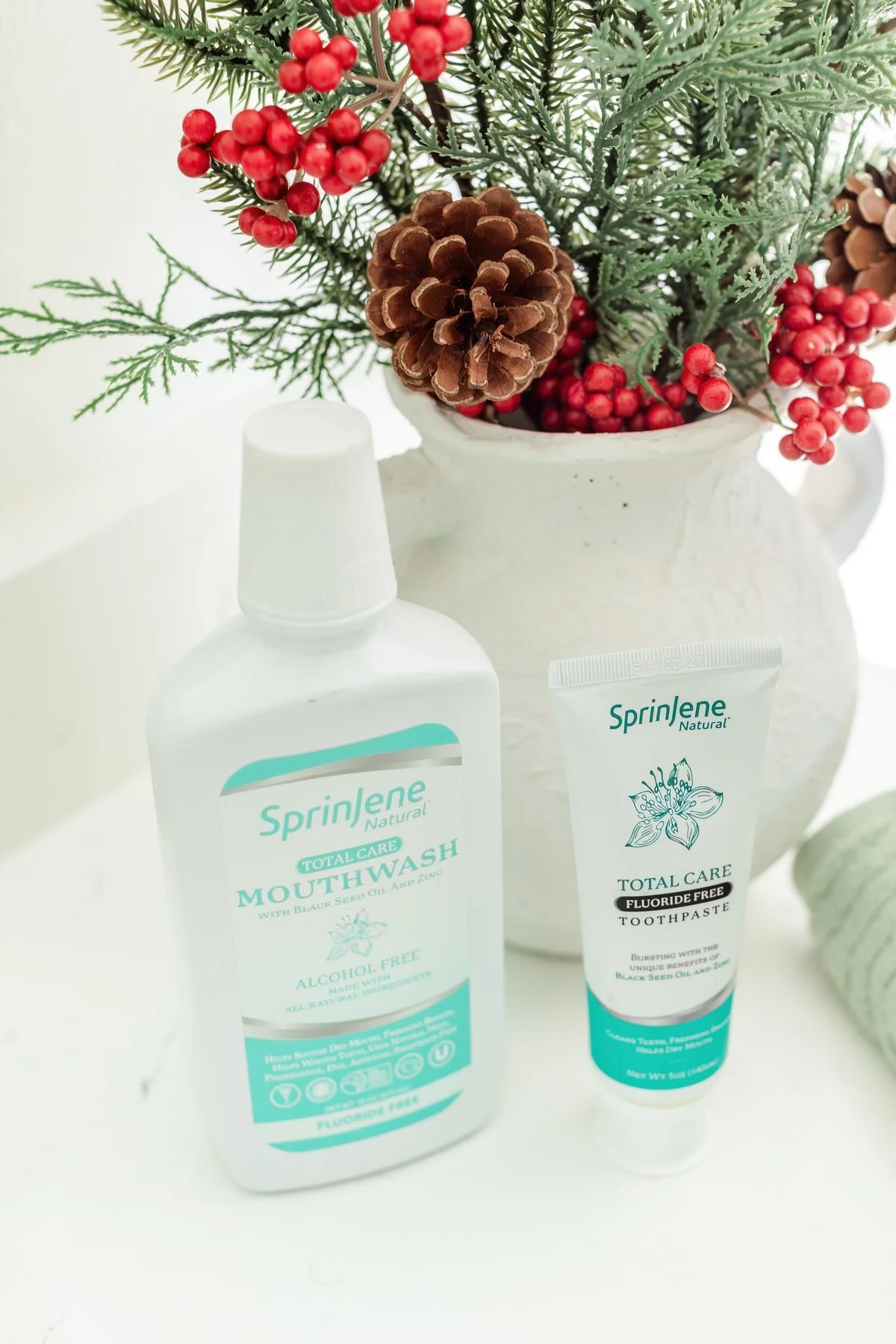
A gift guide needs a clear view of the thing being recommended. Show the right product version, its main details, and the contents when they are part of the offer. A campaign scene can add the setting around that product.
Brief both if your plans need both. A close view of a label cannot replace a wide website banner. A decorated holiday table may tell a seasonal story while leaving a buyer unsure which items are included.
If you use Google Merchant Center, share its main product image requirements with the team. Google sets rules for that image, including promotional overlays. A social graphic and a product-feed photo have different requirements.
Keep a clear product view in the delivery plan.
Give each image a specific destination
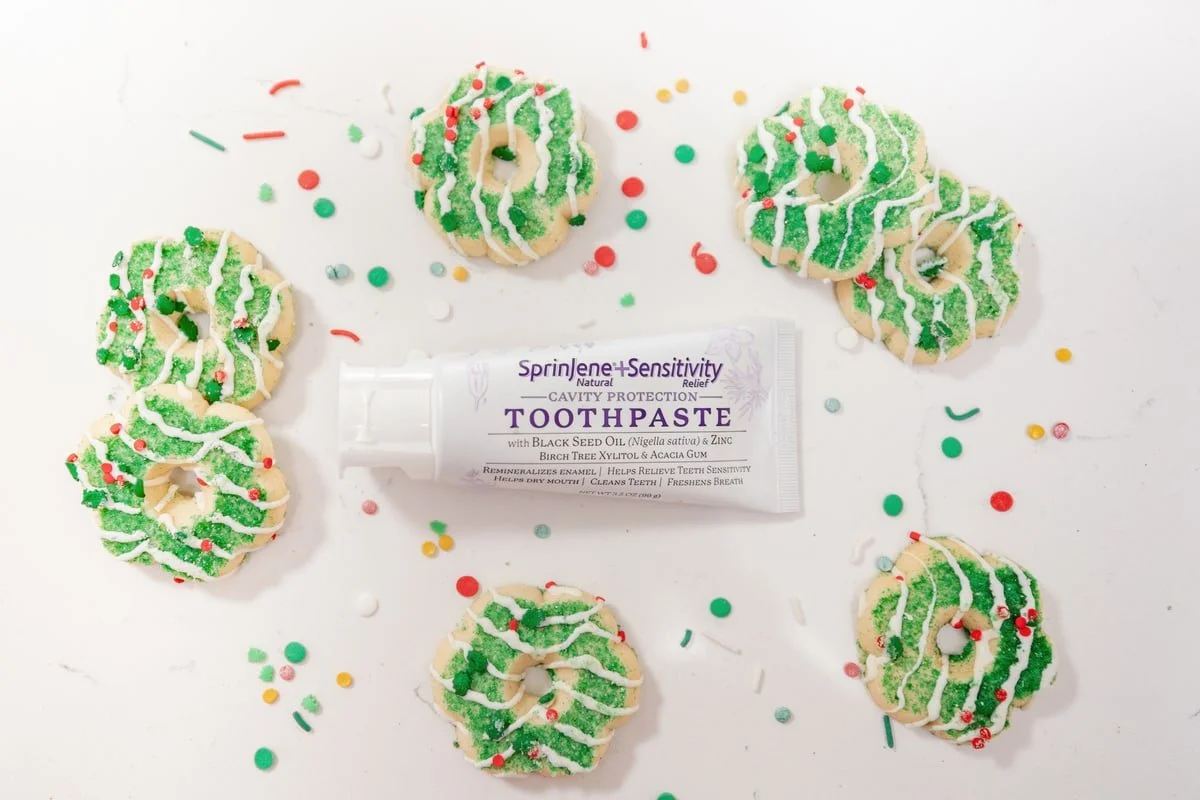
Open the layouts your team plans to use. Name the image space on the product page, email, website banner, printed card, or social post. Share the layout when it is ready.
Ask for the subject placement each space needs. A banner may need room beside the product for words. A small gift-guide square may need the item close enough to recognize. Your designer and photographer can agree on the file versions and crops.
For a store, Shopify's product-media guidance explains the media types a product page can hold. Use the options that help customers understand the actual offer. Adding a video is a separate production decision, with its own scope and delivery needs.
If paid placements are part of the campaign, check the agreed image use too. The guide to using brand photos in ads covers that question before you send files to an ad team.
Choose how seasonal each setup should be

Sort the planned photos into three groups: clearly holiday, useful through winter, and useful year-round. These are planning choices, not a fixed ratio for every business.
A gift being wrapped may belong to a holiday campaign. The same product on its own can have a longer use. A portrait in the clothes you wear at work can serve an introduction after the seasonal offer ends.
Decide which details stay in the scene. A dated sign or a printed offer can tie a photo to one campaign. A separate version without those details may serve another placement. Tell the photographer which versions have a real job before adding them to the scope.
Let your brand guide the holiday styling. Packaging, colors, materials, and the place where you work can connect the set to your business. Seasonal props should support that connection.
Work back from the first publishing date
Use the earliest date a finished file must reach the person placing it. That can be earlier than the public campaign date. A printed card needs production and delivery time; a website change needs placement and review.
Add the photo team's confirmed turnaround and your own review step. Agree on who checks product facts, who approves the images, and who puts the files into the campaign. Keep any priority delivery in the written scope.
If your first use is close, ask which parts of the brief can be completed in time. You may be able to start with approved existing photos while a new set is prepared. Check whether those photos show the current product and cover the planned use.
A general holiday article cannot promise a shoot date or delivery window. Get those details for your project before you set the campaign around them.
Send a brief your photo team can use
Your handoff can fit on one page:
- Offer: the confirmed product, service, or campaign
- Buyer question: what the photo needs to make clear
- Required views: the specific images you need
- Placement: the page, email, print piece, or social format
- Seasonal details: what belongs in the scene and what needs a separate version
- Timing: first-use date, review date, and confirmed delivery
- Approval: the person who checks the facts and finished files
For a Bolivar or southwest Missouri business, our photo and video services can be scoped around those uses. Start with your actual offers and layouts. The production choices then have something concrete to serve.
Choose the first holiday placement you need to finish. Name its image, deadline, and approval contact. Build the shoot brief from that real use.
Questions about holiday brand photos
When should I book holiday brand photography?
Work back from the first date your team needs the finished files. Confirm the shoot, review, and delivery schedule with the photographer before committing the campaign to it.
Do all the photos need holiday props?
Choose seasonal details for the images that use them. A separate product or working portrait may have a useful role after the campaign ends.
Can one shoot cover a gift guide and social posts?
Ask for both in the scope. Share the layouts and required views so the photographer can plan the time and delivery.
Should I add my sale headline to the photo?
Keep a clean version when the destination needs it. Your designer can create a campaign graphic separately, following the placement's rules.
What if I already have brand photos?
Compare the approved files with the current offer and planned use. Ask for new work where the existing set leaves a specific gap.
