A closer look at Sandmarc product photography
These Sandmarc product photos show three views of a phone lens: attached to the phone, in use, and beside everyday objects. Looking at them together shows how a set can explain an accessory from more than one side.
I want to draw your attention to the information in each view. The lens stays the subject, while the hand, screen, and objects around it give you different details to notice.
The lens is visible on the phone
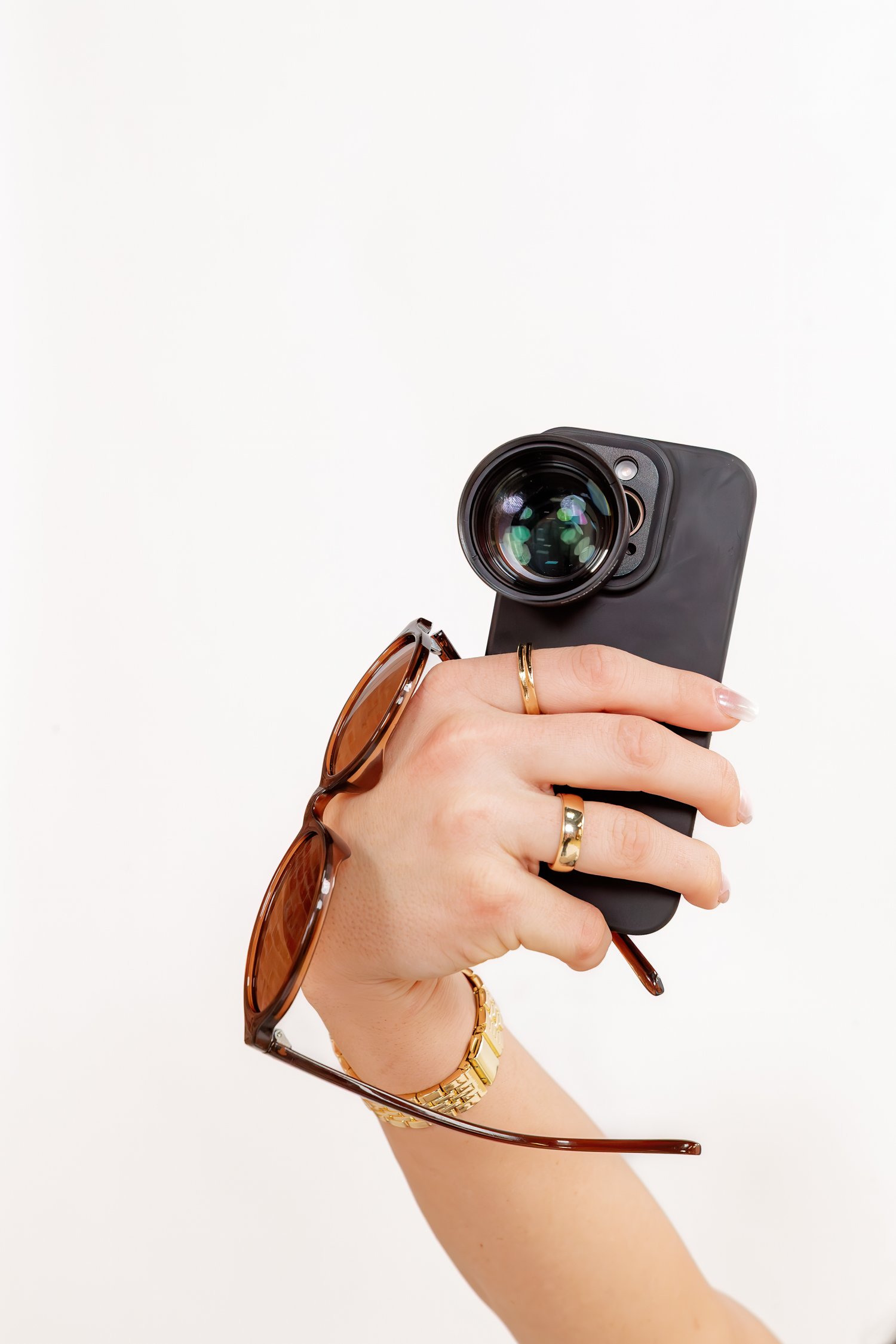
In the first photo, a hand holds the back of a phone against a light background. The lens sits over the camera area. You can see its round glass, its depth, and how it relates to the phone.
The hand gives the view a familiar scale. It also keeps this from feeling like a diagram. There is room around the product, so the shape of the lens remains clear.
For an accessory, the point where it meets the main object often matters. Seeing those two pieces together helps you understand their relationship. That is the detail I would keep in view if this image were used on a page or in a social post.
The next view shows the scene and the screen
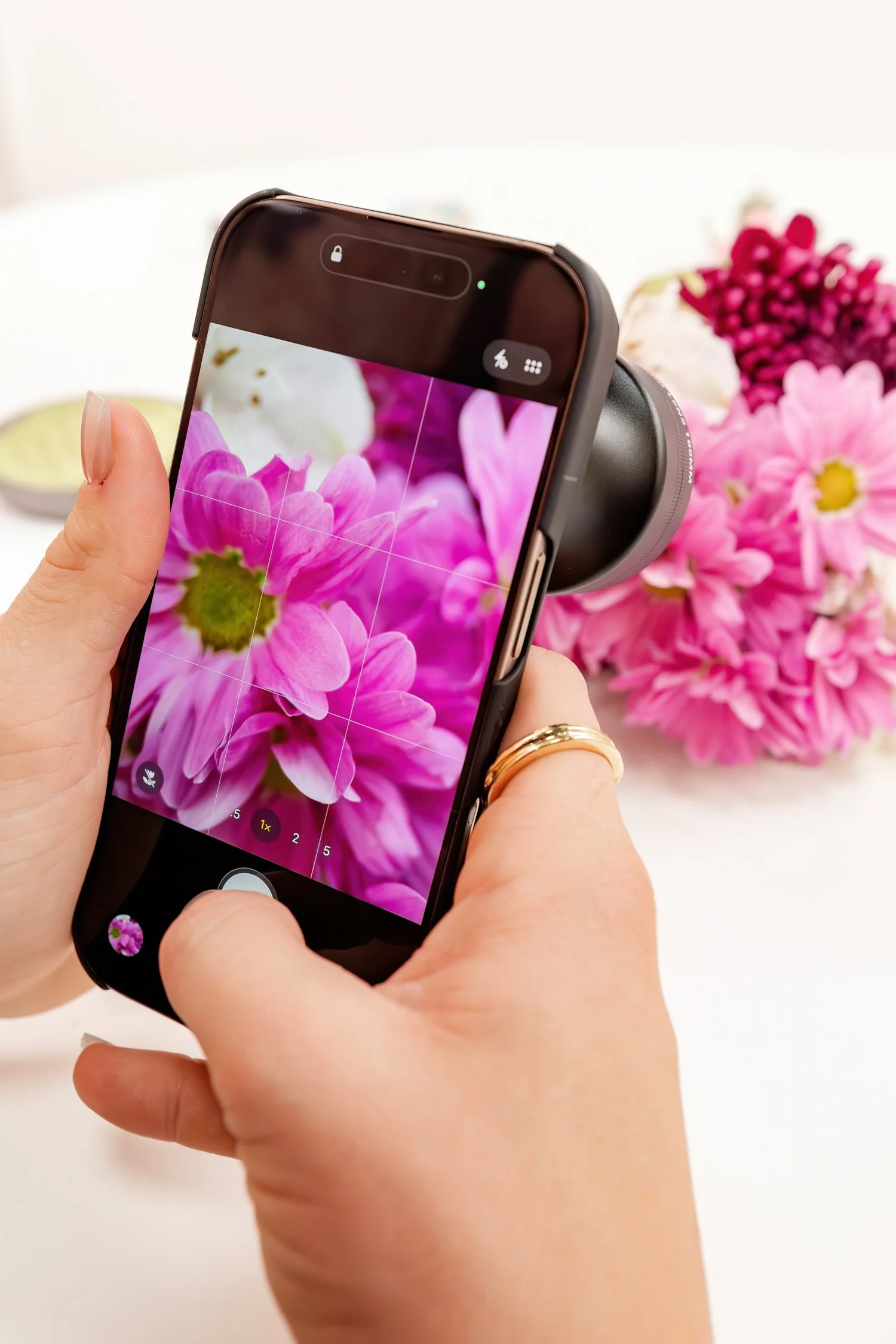
In the flower photo, the phone faces a group of pink and white flowers. Pink petals fill the screen, while the flowers are also visible behind it. Part of the lens extends beyond the side of the phone.
That view lets you connect the object in the scene with the subject on the screen. The hands show someone using the setup. The photo gives the product an action you can follow.
It does not serve as a controlled lens test. A viewer cannot use this one image to measure sharpness or compare performance with another lens. The useful detail here is the visible relationship between the phone, lens, and subject.
The objects around it create a different view
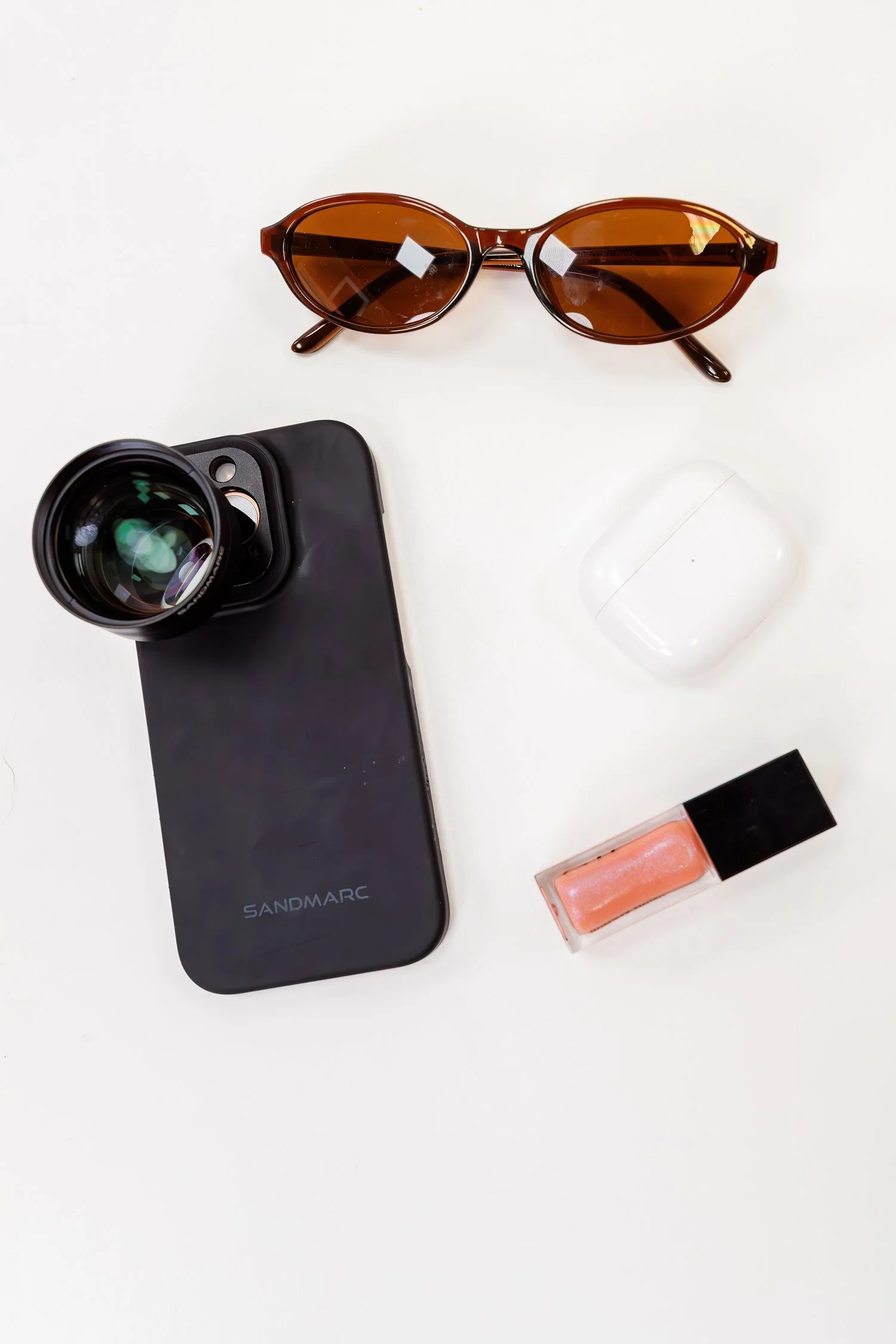
Another photo places the phone and lens on a light surface with sunglasses, a small white case, and lip gloss. The phone is turned so the lens remains visible. The other objects bring familiar shapes into the frame.
Here, you can study the product without a hand covering the phone. The scene feels connected to things someone might carry, while still giving the lens room in the image.
Those nearby objects are part of the photograph. Their presence does not establish what comes with an order. A product page still needs clear written details about the item and any included pieces.
Each view leaves a different question open
The first view helps show the physical setup. The flower view adds an action. The overhead view gives another look at the product's shape among familiar objects.
I would read the set this way:
| View | What you can see | What still needs a separate source |
|---|---|---|
| Held phone | The lens attached at the camera area | Which devices and cases it fits |
| Flowers and screen | The setup being used with a visible subject | Measured performance or product claims |
| Objects on a surface | The phone and lens among everyday items | The exact contents of the order |
That last column matters. Good image selection includes knowing what a photo can leave unanswered. Product details, a compatibility list, or a separate demonstration may supply the next piece.
Keep the context when you use the photos
The words beside an image guide what people take from it. A caption can name the detail being shown without claiming more than the picture supports.
For example, “a phone lens shown attached to the phone” describes the first view. A claim about results would need its own support. The FTC's advertising guidance is a useful reminder to check claims in the whole message.
The image description also needs a clear job. The W3C guide to image text explains that a description should reflect the information an image carries. For this set, the lens, phone, and visible action matter more than a list of every small object.
You can see how photography fits within the Media services and read about my work. In this set, the detail worth keeping is the connection between the lens and the way it appears in use.
Questions about this photo set
What product is shown?
The set shows a Sandmarc lens attached to a phone. The photos here are a look at the visual work, not a guide to choosing a lens model.
Does the flower photo prove lens performance?
No. It shows the setup in use. A fair performance comparison needs its own test and supporting facts.
Are the other objects part of a bundle?
The photo alone does not tell us that. Check the actual product listing for what comes with an order.
Why include more than one view?
Each adds a visible detail. One shows the attachment, one shows use, and one gives a clear view among familiar objects.
What can another business learn from this set?
Name what each selected image helps a buyer see. Then keep the remaining product facts clear in the words beside it.
